
Using the Inspection Features in Our Landlord Portal
Landlord portal inspections in Padmission Journey give property owners and operators clear, secure visibility into inspection activity for their HOM-assisted tenancies. The Inspections section provides read-only access to important information about your properties, helping you stay informed about schedules, statuses, and outcomes while supporting compliance and property maintenance—all without compromising tenant privacy.
The Inspections section keeps everything organized and accessible. Below, we walk through how to use this feature in our portal effectively so you can better coordinate with your teams and maintain strong partnerships with HOM.
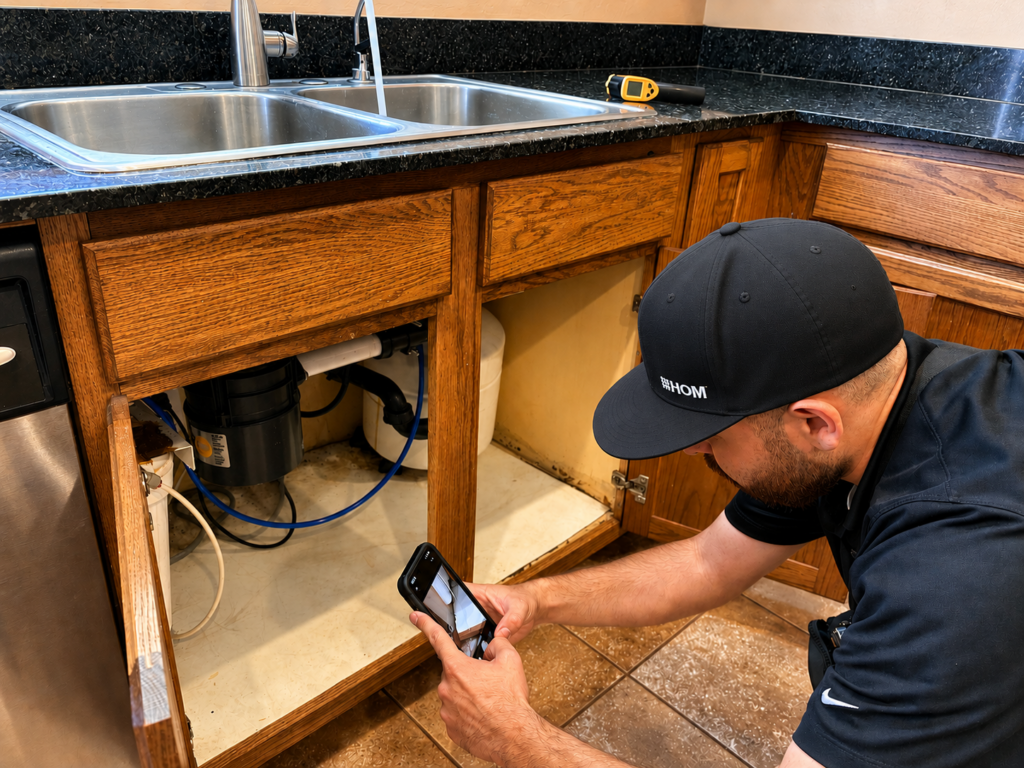
From scheduling details to inspection results, the landlord portal’s Inspections section gives property owners visibility into the inspection process and helps support proactive property management.
What You Can See
The Inspections section provides read-only access to inspection schedules, statuses, results, and other essential operational details related to your HOM-assisted tenancies such as:
Basic Inspection Details
- Inspection type (Initial, Annual, Special, Move-out, or Quality Control)
- Date requested
- Property and unit information
- Current status and scheduling details
- Inspector assignment (when available)
- Visit count and basic results summary
Property Information
- Property name and address
- Unit details (bedrooms, bathrooms)
- Lead-based paint activities (LBPA) requirements
Post Inspection
- Detailed inspection reports or specific failure items
- Inspector comments
- Sensitive HUD forms or full compliance documentation
These details help you prepare units, coordinate with on-site staff, and understand timelines without the need for additional correspondence.
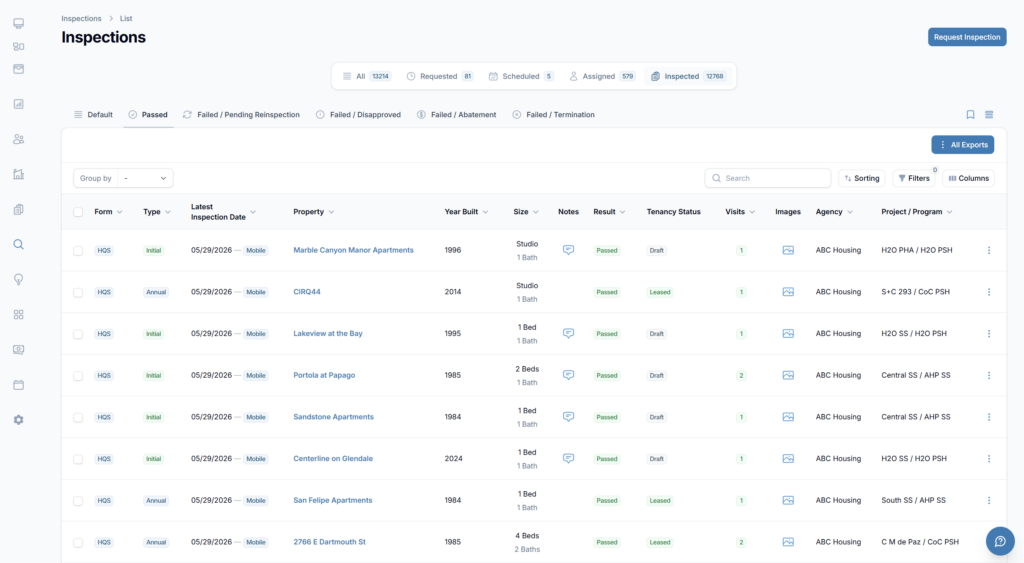
The landlord portal’s Inspections section helps property owners track inspection activity, schedules, and results for their authorized properties.
What Is Not Visible (for Privacy & Security)
To protect tenant privacy and maintain data integrity, certain information such as household personal information (contact details, income, or family composition) remains restricted.
- The user-friendly design ensures you receive the information you need to manage your properties effectively while HOM maintains necessary privacy and compliance standards.
How to Use the Inspection Features
- Navigate to Inspections — Log into the landlord portal and select “Inspections” from the main menu.
- Apply Filters — Narrow results by inspection type, date range, property, status, or other criteria.
- Click for Details — Select any inspection to view available information, including scheduling notes and results.
- View Images— If inspection images have been attached, you will see an indicator to view relevant photos for general property or unit documentation.
Staying Proactive with Inspections
Regularly checking the landlord portal Inspections section helps you:
- Anticipate upcoming visits and prepare units accordingly
- Track patterns in results over time
- Address potential issues before they affect payments or compliance
- Coordinate effectively with your maintenance and management teams
The data is filtered to only your authorized properties, so you can move quickly and confidently to the information most important to you.
Video Tutorials
We’ve created a series of tutorial videos that walk you through various aspects of our landlord portal. Please click on a link below to watch these short, informative videos.
Additional Tools
The Inspections section is just one of many tools available to help you manage your HOM-assisted properties more efficiently. For a broader understanding of the platform, explore our overview of the landlord portal, where you’ll find information about the features and resources available to property owners and operators.
You can also learn how to make the most of the Dashboard, which provides a centralized view of important account activity, and the Contacts section, where you can quickly access key information for the people and teams associated with your properties. Together, these tools help streamline communication, improve visibility, and support day-to-day property management.
Make Inspections Part of Your Routine
The landlord portal inspections feature delivers the right information at the right time — helping you maintain high-quality housing while strengthening your partnership with HOM.
Log in to Padmission Journey and explore the Inspections section today. Taking a few minutes to review current and upcoming inspections can prevent surprises and keep your properties running smoothly.
If you have questions about a specific inspection, reach out to inspectionsdepartment@hominc.com.
If you need help navigating the portal, reach out to us at landlordsupport@hominc.com.
Our team is here to support you and ensure you get the most value from your landlord portal.